Blog
NDI Cameras for Churches: Improve Your Live Stream

Have you ever felt frustrated trying to stream your church’s message, only to have the stream quality ruin the experience? NDI cameras for churches are revolutionizing the way we share the faith, making every service a memorable experience for congregants, no matter where they are. In this article, we’ll tackle a common pain point: the lack of quality in live streams. Whether you’re in the middle of worship or streaming a special event, understanding how to choose the right NDI cameras can make a huge difference. Ready to discover how these innovative tools can transform the way you connect with your community? Keep reading and turn your live streaming experience into something extraordinary.
NDI Cameras: Innovation in Streaming for Churches
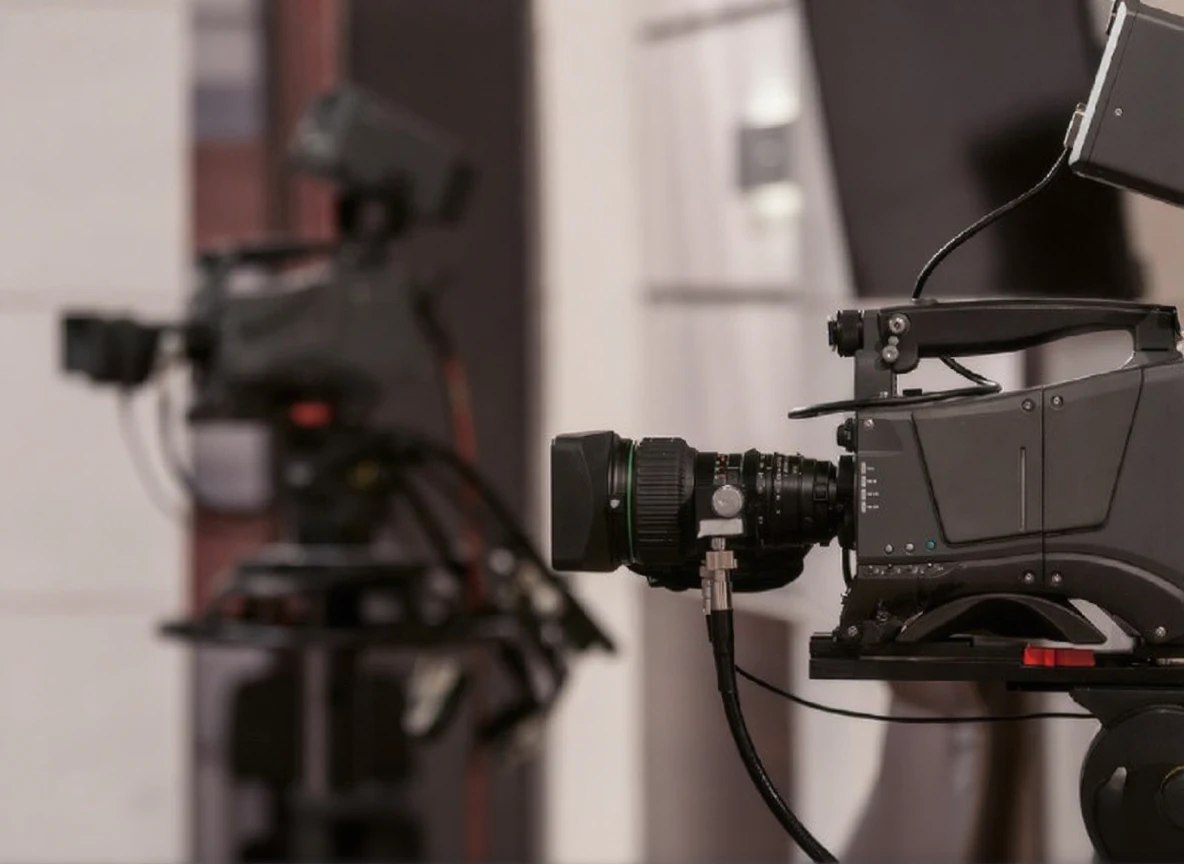
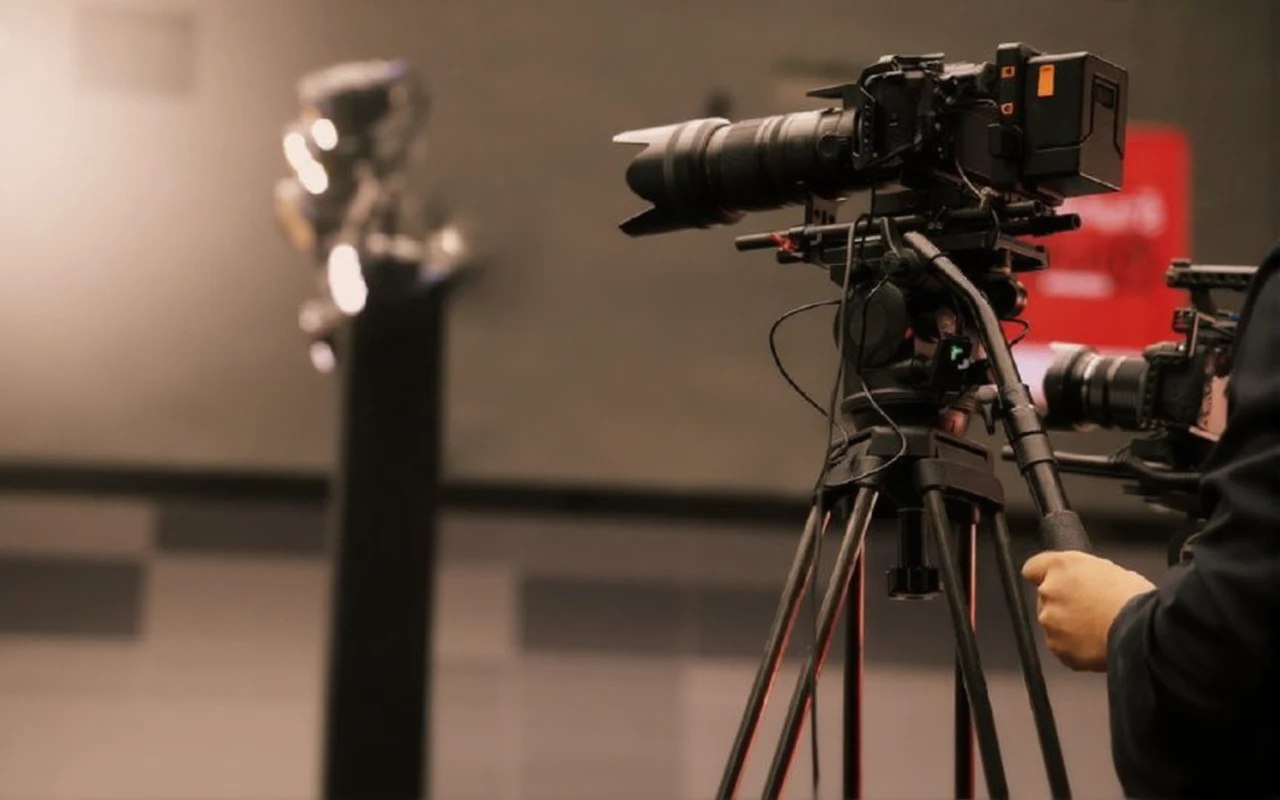
NDI cameras for churches are revolutionizing the way services are streamed live. With the ability to send high-quality video over an IP network, these cameras offer unmatched flexibility for churches that want to connect with their congregations, whether on-site or online. As more congregations look for cameras for live streaming, NDI options stand out for their ease of use and quick setup.
Advantages of NDI Cameras
- Simplified connectivity: NDI cameras connect to your church’s network, eliminating the need for multiple complicated cables.
- High video quality: High-definition streaming ensures your audience enjoys clear and crisp images.
- Scalability: You can add more cameras to your system without issues, allowing you to adapt to different events and spaces within the church.
- Lower long-term cost: By operating over existing networks, you reduce the need for specialized cable installation.
Key Features of NDI Cameras
When considering the best cameras for your church, keep the following features in mind:
- Efficient compression: NDI cameras offer video compression without compromising quality, which is ideal for streaming during important events.
- Remote control: Many NDI cameras allow remote adjustments for zoom, focus, and position, making live production management easier.
- Software integration: Easy integration with streaming platforms, simplifying the connectivity and setup process for online broadcasting.
How to Choose NDI Cameras for Your Church
Technical Considerations
When choosing NDI cameras for your church, the first thing to consider are the technical specifications that align with your live streaming needs. Resolution is key — opt for cameras that offer at least 1080p for crisp image quality. Also, check connectivity; cameras for live streaming should be compatible with your local NDI network to ensure an efficient workflow. Low-light performance and dynamic range are also important, ensuring your service looks good regardless of the environment. Don’t forget ease of use — some cameras feature intuitive interfaces that make setup and operation simple.
Budget and Brand
Brand selection and budget are crucial considerations when looking for the best cameras for your church. Well-known brands like Logitech and Sony offer models across different price ranges, from more affordable options to high-end equipment with advanced features. Setting a clear budget will help you filter the available options. Remember that investing in a good camera can significantly elevate the quality of your live stream and your congregation’s experience.
| Model | Resolution | NDI Connectivity | Price Range |
|---|---|---|---|
| Logitech Rally AI | 1080p | Yes | $2,499 |
| Sony PXW-Z90V | 4K | Yes | $3,299 |
| Panasonic AG-CX350 | 4K | Yes | $3,500 |
| Canon XF405 | 4K | Yes | $2,499 |
| Microsoft LifeCam Studio | 1080p | No | $89 |
This table provides an overview of several NDI camera options for your church, helping you make an informed decision based on your needs and budget. Remember that the right choice can transform not only your stream, but also your connection with your community.
Improving the Live Streaming Experience
Optimal Settings
To get the most out of your NDI cameras for church, it’s crucial to establish optimal settings. Start by ensuring your internet connection is robust — a wired connection is preferable over Wi-Fi to avoid interruptions. Configure your cameras for live streaming to broadcast at the highest resolution possible, typically 1080p. Additionally, make the most of NDI technology, which allows for high-quality video and audio transmission over your network, reducing the complexity of your setup.
Integration with Other Equipment
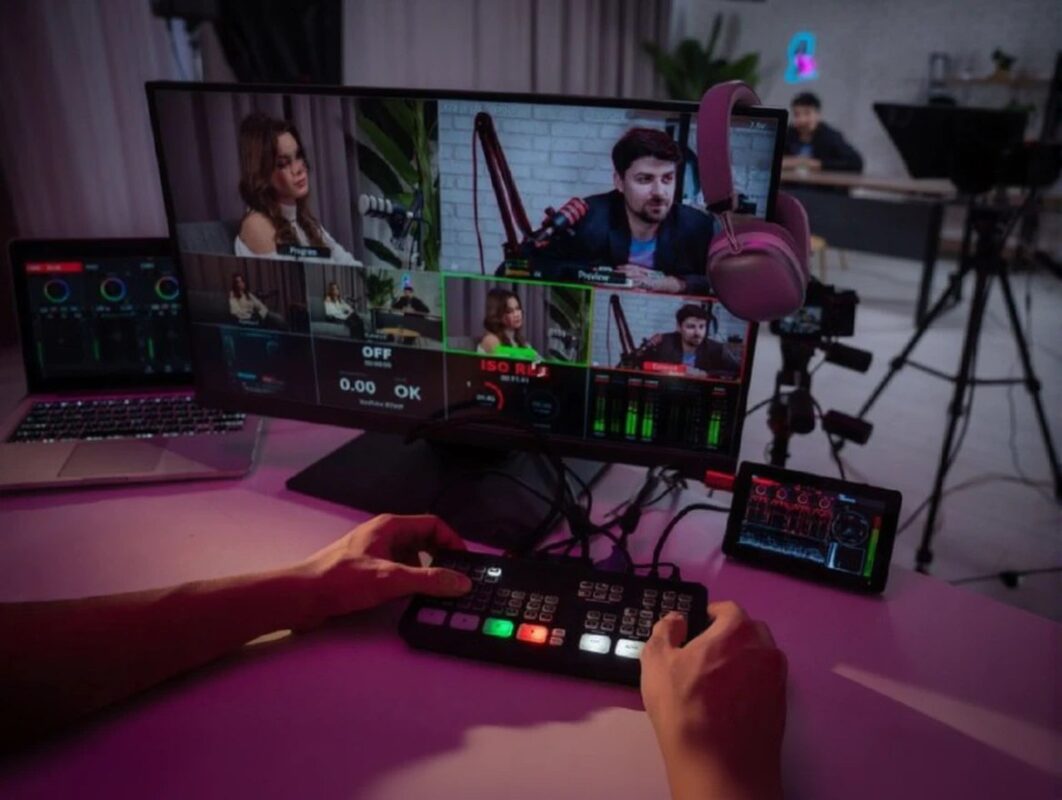
Integrating NDI cameras for churches with other streaming equipment can elevate the quality of your live events. Make sure your streaming software, such as OBS or vMix, is compatible with NDI systems. This makes it easier to mix multiple cameras for live streaming, providing a more dynamic visual experience. It’s also beneficial to use a switcher that supports NDI, which will allow you to switch between different cameras and improve production in real time. By doing so, you’ll not only offer a more professional experience to your audience, but also stand out among the best cameras for churches in the live streaming space.
Tips for a Successful Live Stream
If you’re looking for ways to improve your live stream, NDI cameras for church should be your top priority. Connect with your audience and create a dynamic atmosphere that keeps viewers engaged.
Audience Interaction
Audience interaction is key during any live stream. Use tools like live chats and polls to create an intimate atmosphere. You can encourage participation by asking open-ended questions or seeking opinions on relevant topics. Don’t forget to thank and acknowledge your viewers — this creates a stronger, more personal connection. Remember that the audience wants to feel part of the experience, so include high-quality visuals provided by your cameras for live streaming.
Maintenance and Technical Support
A crucial aspect that’s often overlooked is maintenance and technical support. Make sure to run tests before every stream to avoid technical issues. Your NDI camera setup for church should be tested and maintained regularly to ensure optimal performance. Additionally, consider having a technical support team on hand during the live stream to resolve issues quickly and efficiently. This not only improves the quality of your stream, but also demonstrates a serious commitment to your audience and your message.
- Use NDI cameras for church for a high-quality visual experience.
- Encourage audience participation with live chats and polls.
- Perform regular maintenance and technical tests before every live stream.
- Accessible technical support can minimize interruptions during the stream.
Start implementing these tips and transform your live stream today!
Success Stories in Churches
Case Studies
The implementation of NDI cameras for church has transformed the way many congregations stream their services. A notable example is XYZ Church, which adopted cameras for live streaming and experienced a 40% increase in online engagement. Thanks to NDI technology, the church was able to integrate multiple cameras seamlessly, significantly improving the visual quality of its streams.
Another standout example is ABC Church, which incorporated the best cameras for church into its service program. This not only allowed them to connect with more congregants, but also opened new avenues for virtual community events, achieving unprecedented reach in their community.
User Testimonials
Users of NDI cameras for churches have shared positive experiences. A pastor from DEF Church commented: “Since we started using these cameras, our live streams feel more professional and engaging. The video quality is amazing and has helped us reach a wider audience.”
Similarly, a streaming technician at GHI Church noted that “the NDI system for churches simplified our workflow, giving us full control over our service production. The ease of use has done wonders for our streaming community.”
NDI cameras have revolutionized live streaming for churches, offering significant advantages like easy integration and high video quality. When choosing an NDI camera, it’s crucial to consider technical specifications and budget, as well as ensure optimal settings to improve the streaming experience. Success stories and user testimonials demonstrate how these cameras can transform the connection with your audience. Feel free to leave your comments and experiences using NDI cameras. Share this article with others interested in improving their live streams!