

Create content for your church with artificial intelligence
Generate and edit images in one click, create designs with AI and remove image backgrounds. A creative suite designed for media, communications and ministry teams.
- In your browser
- With your RW Media account
- No design experience needed
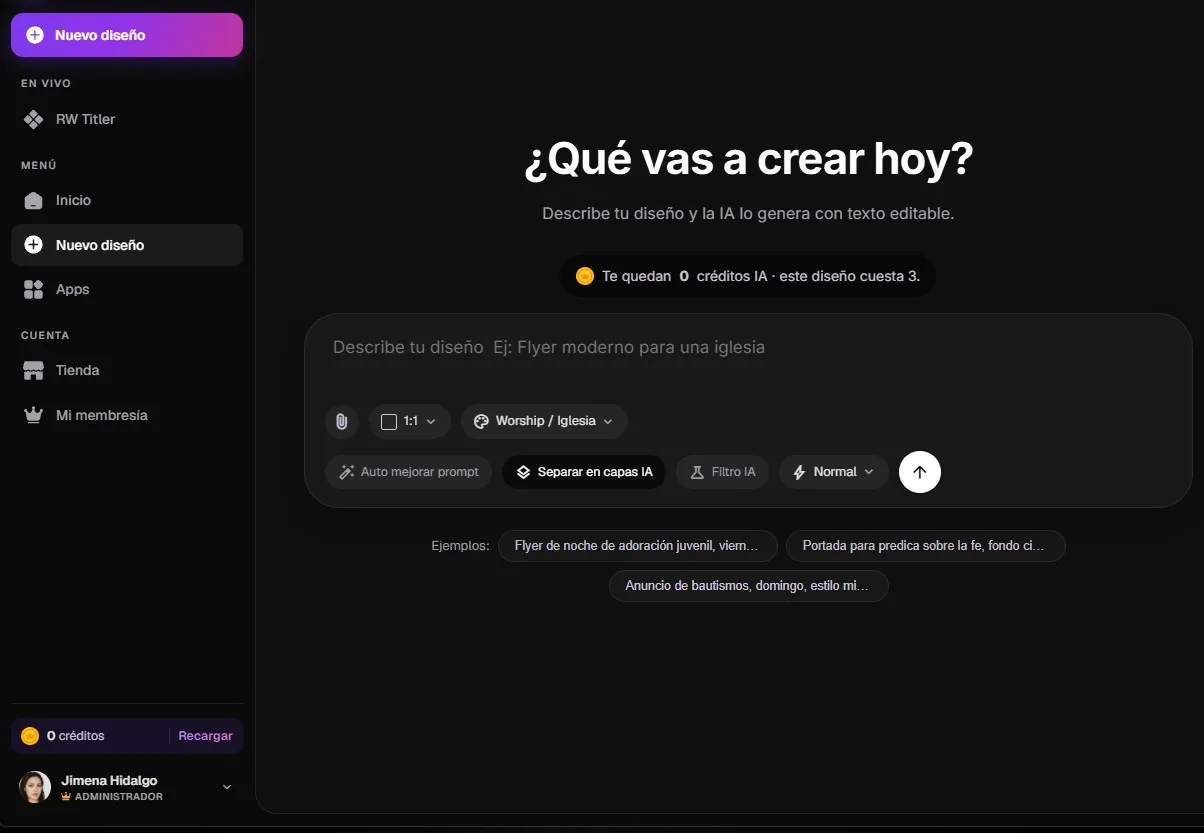
What will you create today?
Describe your design and AI creates it with editable text.
Describe your design e.g. Modern church flyer
- Background
- Shape
- Title
- Text
Images, music, voice, avatars and lyrics in one app
- Images
- Music
- Voice
- Avatars
- Lyrics
More creativity, less repetitive work. RW AI brings creative tools together in one app, so your team can produce professional content without juggling multiple platforms.
Save time
Cut hours of searching, writing and production with an AI-generated first draft.
Bring your tools together
Images, music, voice, avatars and lyrics in one app.
Create without technical skills
A clear interface for leaders, volunteers and creative teams.
Keep your identity
Use AI as a starting point and adapt every result to your church’s voice.
From idea to design in three steps.
No software to install and no design skills required: you start by describing what you want to create.
- 01
Open it in your browser
The app runs in your browser. Sign in with your RW Media account.
- 02
Describe what you want to create
Type your idea and choose the format and style. AI generates a first version with editable text.
- 03
Download it or keep editing
Download the result or use it as a starting point and keep customizing it.
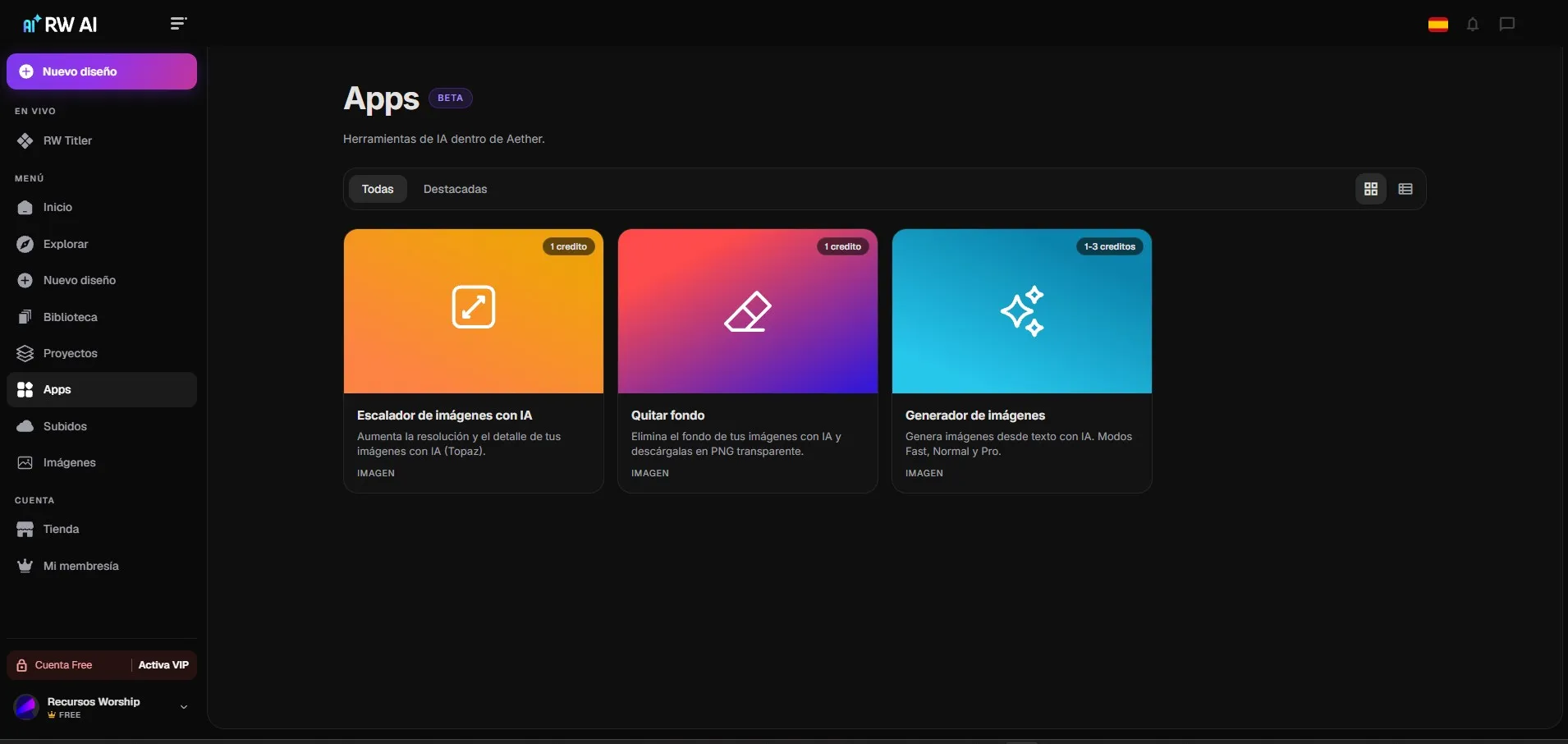
Generate and edit images in one click
Create designs with AI, remove image backgrounds and enhance your photos without leaving the app.
-
AI designs
Describe your design and AI creates it with editable text, ready to split into layers.
-
Image generator
Generate images from a description in Fast, Normal or Pro mode.
-
Remove background
Remove the background from your images and download them as transparent PNGs.
-
Enhance your photos
Increase the resolution and detail of your images with AI.
For every team
One tool for your whole team
RW AI can support different areas of communication and production.
-
Backgrounds for services and LED screens, enhanced photos for projection and live titles with RW Titler.
-
Flyers, announcements and sermon covers for social media, starting from a description.
-
Youth, kids, baptisms and events: every ministry prepares its own pieces in your church’s style.
-
A clear interface: you start by describing what you want to create, no technical skills required.
AI credits
Your credits come with your VIP plan
Each tool uses a set number of credits depending on the type of generation. Every RW Media VIP plan includes credits each month.
Frequently Asked Questions
Everything you need to know. Have another question? Contact us and we will be glad to help.
It is a web-based suite of artificial intelligence tools for creating images, removing backgrounds, enhancing photos and creating designs, built for churches.
No. The app runs in your browser and you can sign in with your RW Media account.
No. The tools are designed so you can start by describing what you want to create.
Each tool uses a set number of credits depending on the type of generation.
Yes. You can download the results or use them as a starting point to keep customizing them.
Your next idea can be ready in minutes.
Open RW AI and start creating visual, music and audiovisual content for your church.